
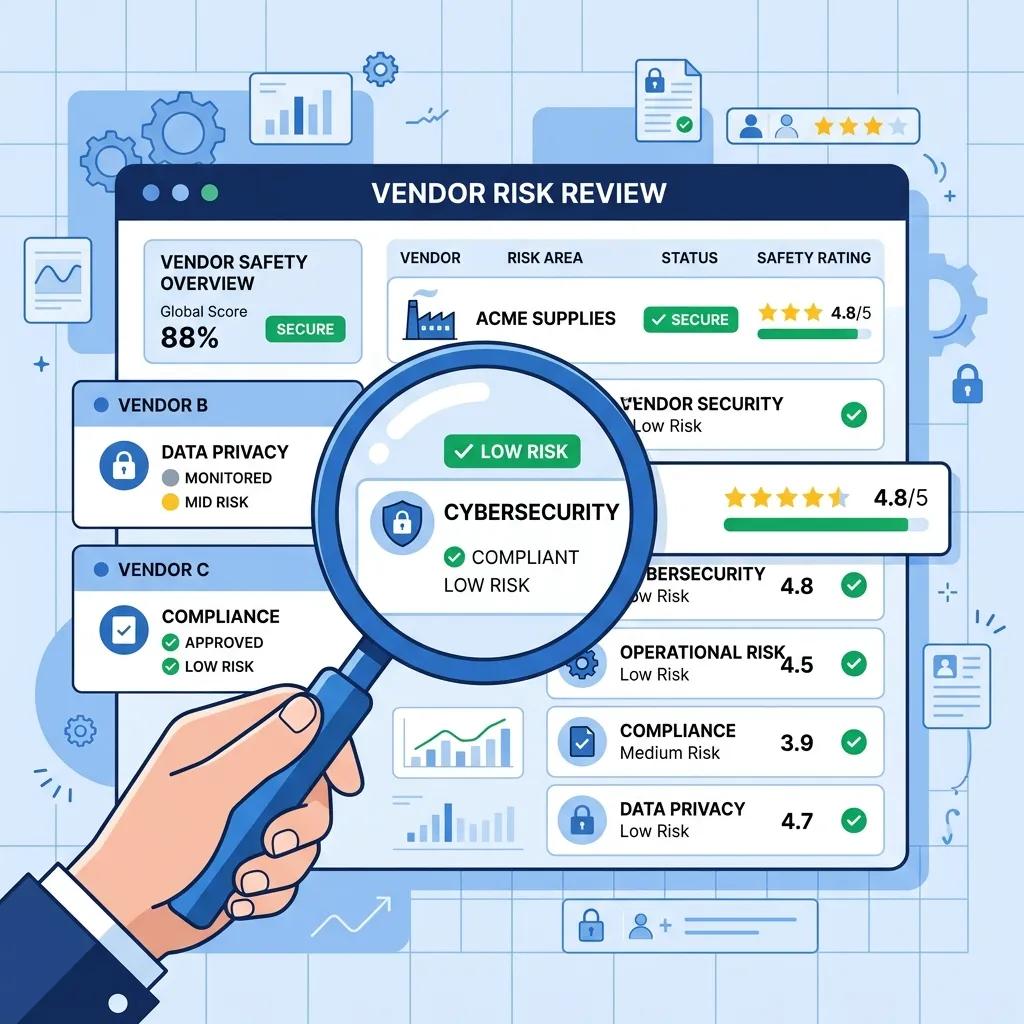
When onboarding a new software vendor, requesting a copy of their SOC report is standard procedure for procurement and security teams. However, simply receiving the document is not enough. To protect your organization’s data, vendor-risk management (VRM) teams must actively review the report to identify hidden security gaps and operational liabilities.
A SOC report can exceed a hundred pages of dense technical and legal text. To help your security team evaluate vendor risk efficiently, use this step-by-step SOC report review checklist.
Step 1: Verify the Report Type and Scope
The first step is to ensure the vendor provided the correct document and that the boundaries of the audit match the services you are purchasing.
- Verify the Report Type: Ensure you received a SOC 2 Type II (which evaluates historical operating effectiveness) rather than a SOC 2 Type I (which only covers control design at a single point in time) (see our SOC 2 Type I vs. Type II comparison for a detailed analysis of their differences).
- Confirm System Scope: Read the “System Description” (Section 3). Does the report cover the specific product, software version, and hosting locations your team will use? Vendors with multiple product lines often have a SOC report that only covers their legacy platform, not the new SaaS tool you are buying.
- Look for Infrastructure Pass-Throughs: Verify if the vendor is trying to pass off their hosting provider’s (e.g., AWS, GCP) SOC report as their own. A hosting provider’s SOC 2 does not cover the vendor’s application-level security, employee access reviews, or software development controls.
Step 2: Examine the Auditor’s Opinion
Navigate to Section 1 of the report, which contains the Independent Auditor’s Report. Look for the auditor’s final opinion, which falls into one of four categories:
- Unmodified (Clean Opinion): The auditor found that the vendor’s controls were fairly presented, suitably designed, and operated effectively. This is the ideal result.
- Qualified Opinion: The auditor found that one or more controls failed to operate effectively, causing a significant exception, but the system as a whole was not compromised. Risk teams must review the specific qualifications.
- Adverse Opinion: The controls were not designed or operating effectively, presenting a high risk. This is a major red flag.
- Disclaimer of Opinion: The auditor was unable to obtain sufficient evidence to form an opinion. This usually indicates a lack of cooperation or deficient record-keeping.
Step 3: Analyze Control Exceptions & Management Responses
If the report contains control exceptions (found in Section 4 under the testing tables), evaluate their impact on your organization (refer to our Common SOC Exceptions and Remediation Guide for strategies on evaluating exceptions and responses).
- Determine Exception Severity: Did the failure occur in a critical area (e.g., access control, encryption, change management)? For example, a single failure to document a change request is less concerning than a failure to disable terminated employee accounts.
- Review Management’s Response: A professional vendor will provide a “Management Response” for every exception. Review their response to see if they have identified the root cause and implemented a remediation plan. If there is no response, request a formal explanation.
Step 4: Identify Complementary User Entity Controls (CUECs)
A vendor’s security is only as strong as your team’s configuration. In Section 3 or 4, locate the Complementary User Entity Controls (CUECs). These are actions that your organization must take for the vendor’s controls to function as intended.
Common CUECs include:
- Enforcing Multi-Factor Authentication (MFA) on your side when logging into the vendor’s platform.
- Promptly notifying the vendor when provisioning or de-provisioning user accounts.
- Reviewing automated report configurations and log outputs regularly.
Your risk team must document these CUECs and verify that your internal teams are executing them.
Step 5: Check Subservice Organizations (Carve-out vs. Inclusive)
SaaS vendors rely on other vendors (e.g., cloud hosting, database management, SMS alerts). The SOC report will specify if these subservices were treated under the Carve-out Method or the Inclusive Method.
- Carve-out Method (Most Common): The vendor excluded the subservice organization’s controls from their audit. If they carved out AWS, your team should request AWS’s SOC 2 report separately to ensure their physical and network infrastructure is secure.
- Inclusive Method: The auditor tested the subservice organization’s controls within the scope of the vendor’s audit. No external reports are needed.
Step 6: Verify the Audit Period & Request Bridge Letters
SOC reports are historical documents. You must ensure the audit window is recent and relevant to your current purchase.
- Audit Recency: The audit period should have ended within the last 12 months.
- Bridge Letters: If the audit ended several months ago (e.g., the report covers Jan 1 – Dec 31, and you are buying the software in June), request a Bridge Letter (or Gap Letter). This is a signed statement from the vendor’s executive team asserting that no material changes have occurred in their control environment since the audit ended.
Vendor SOC Report Review Summary
Use this checklist during every vendor onboarding review:
| Review Step | Section to Check | Target Outcome |
|---|---|---|
| 1. Scope & Type | Sections 1 & 3 | SOC 2 Type II covering the target system (not just AWS) |
| 2. Opinion | Section 1 | ”Unmodified” opinion from a licensed CPA firm |
| 3. Exceptions | Section 4 | Zero critical exceptions; clear remediation for minor ones |
| 4. CUECs | Section 3 / Appendix | Clear, documented controls mapped to your internal operations |
| 5. Subservices | Section 3 | Carve-outs identified and hosting provider reports collected |
| 6. Timing | Title Page / Header | Under 12 months old, or accompanied by a signed Bridge Letter |
Professional Advisory Support
Reviewing third-party audits can be resource-intensive for growing security and procurement teams. Partnering with a licensed CPA advisory firm ensures that vendor risks are analyzed systematically, preventing data breaches and compliance failures from third-party software.
Learn how we help organizations build vendor-risk programs and review third-party audit reports: Expert Insights Compliance & SOC 2 Services.